Tickets Overview
A ticket is a single trackable issue, complaint, or request. Each ticket moves through a defined status workflow from creation to closure, with a full audit trail of every change.
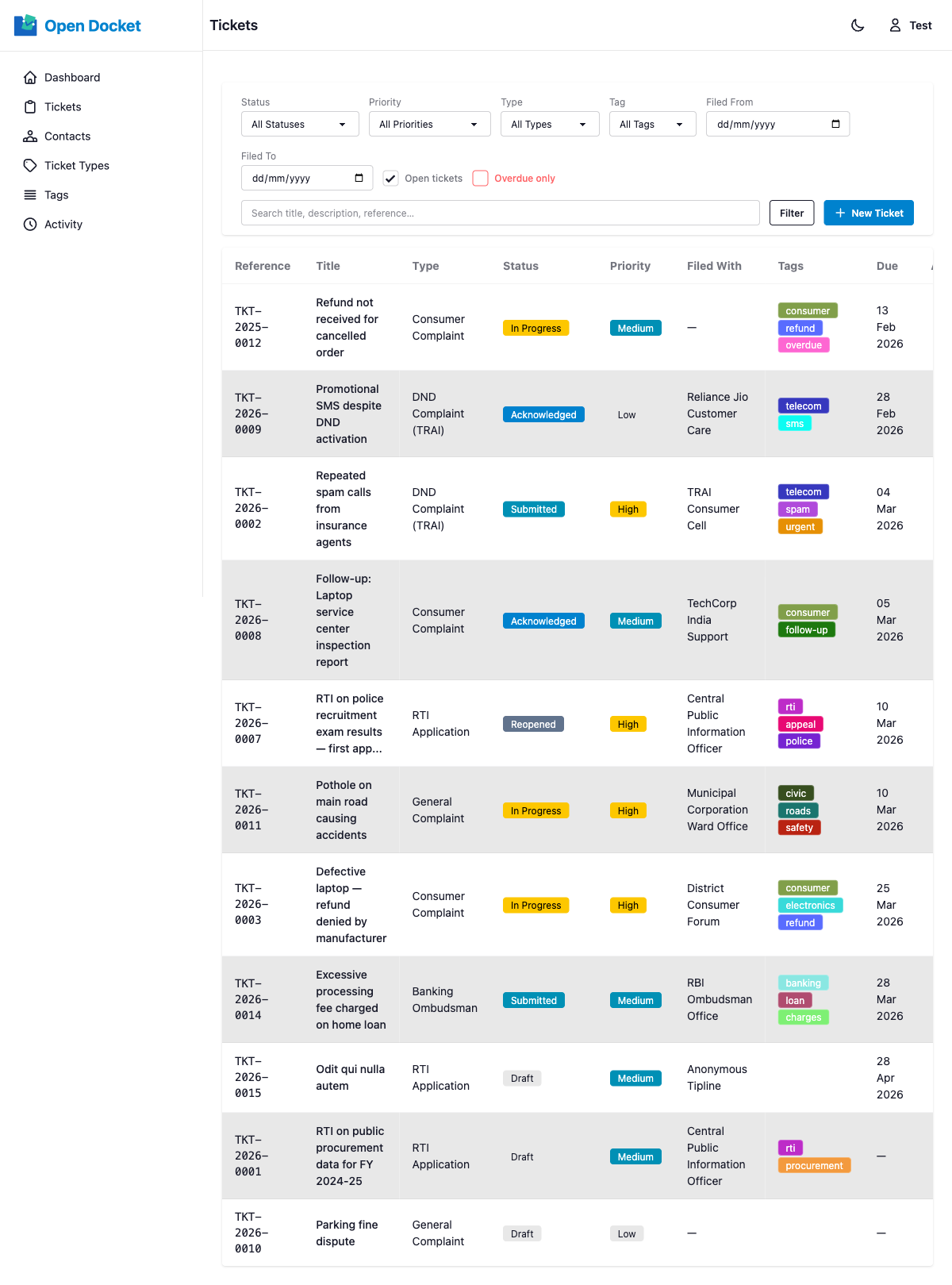
Reference Number
Every ticket is assigned a unique reference number in the format TKT-YYYY-NNNN, where YYYY is the year and NNNN is a zero-padded sequence number that resets each year. This reference is auto-generated on creation and cannot be changed.
Core Fields
| Field | Description |
|---|---|
| Title | A short, descriptive name for the issue |
| Status | Current state in the workflow (see Status Workflow) |
| Priority | Urgency level: Low → Medium → High → Critical |
| Type | The Ticket Type this ticket belongs to |
| Filed With | The Contact this complaint is directed at |
| Filed Date | When the complaint was originally filed |
| Due Date | Deadline for resolution (used for overdue and SLA calculations) |
| Closed Date | Automatically recorded when the ticket is moved to Closed status |
| External Reference | An optional reference number from an external system |
| Description | Full details of the issue |
| Custom Fields | Additional fields defined by the ticket type |
| Tags | Colour-coded labels for organisation and filtering |
| Documents | File attachments associated with the ticket |
Priority Levels
| Priority | Use When |
|---|---|
| Low | No urgency; can be handled whenever |
| Medium | Standard priority; handle within normal timelines |
| High | Elevated urgency; prioritise over normal tickets |
| Critical | Immediate attention required |