Logging In
Steps
- Open your browser and navigate to the Open Docket URL provided by your administrator.
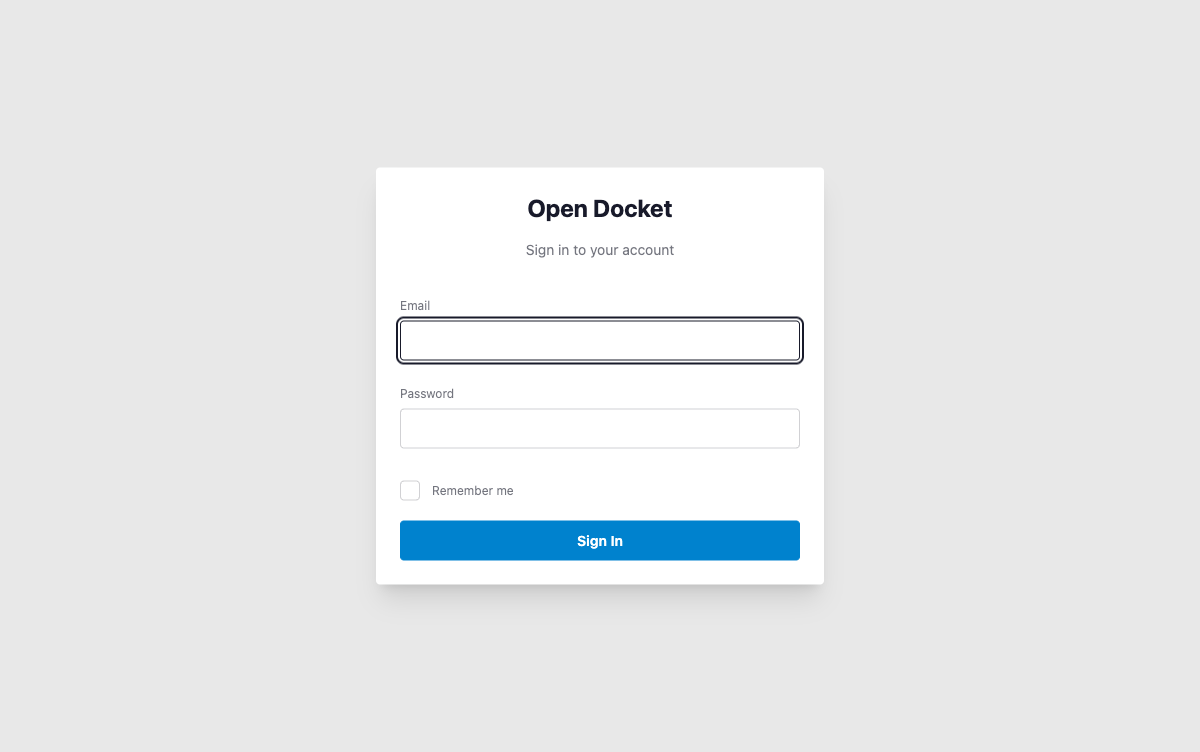
- On the login page, enter your email address and password.
- Click Log In.
You will be redirected to your Dashboard upon successful authentication.
Forgot Your Password?
Use the Forgot Password link on the login page to receive a password reset email.