Dashboard
The dashboard gives you an at-a-glance view of the current state of your tickets, upcoming reminders, and recent activity.
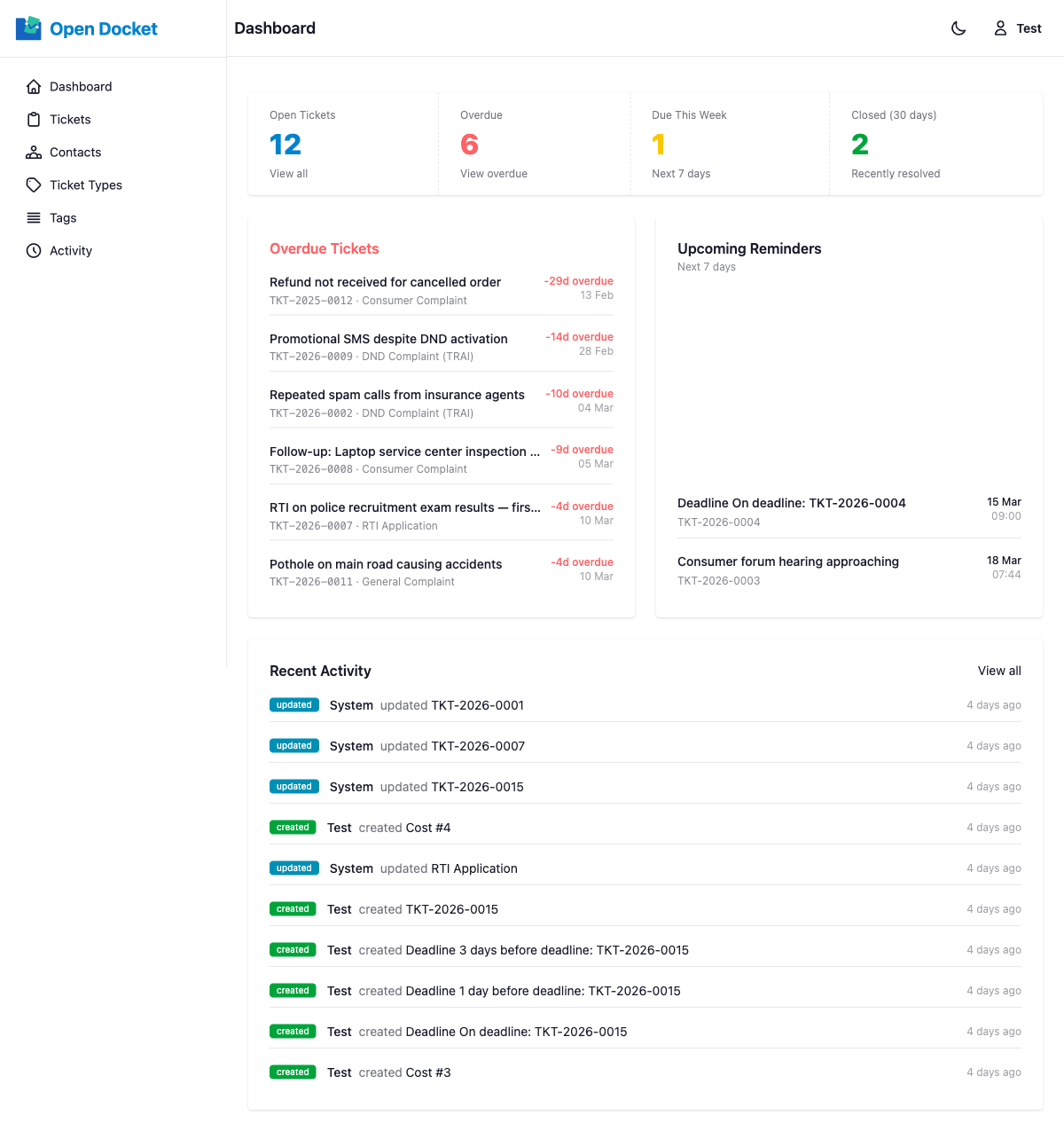
Stat Cards
Four summary cards appear at the top of the dashboard:
| Card | Description |
|---|---|
| Open Tickets | Total tickets that are not closed. Clicking the card takes you to a filtered ticket list. |
| Overdue | Tickets past their due date that are not closed. Shown with a red badge when the count is greater than zero. |
| Due This Week | Tickets with a due date within the next 7 days. Shown with a yellow badge when the count is greater than zero. |
| Closed (30d) | Tickets resolved or closed within the last 30 days. |
Each card links directly to a filtered ticket list view.
Overdue Tickets
Displays up to 10 overdue tickets. Each entry shows:
- The ticket's reference number and title
- How many days overdue it is
- A quick link to open the ticket
Upcoming Reminders
Shows unsent reminders due within the next 7 days. Each entry shows:
- Reminder title
- Associated ticket reference
- Scheduled reminder date and time
Only reminders that have not yet been sent are shown here.
Recent Activity
Displays the last 10 activity log entries across all records. Each entry shows:
- An event badge (created, updated, or deleted)
- The user who triggered the event (or "System" for automated actions)
- A clickable link to the subject record
- A time-ago timestamp (e.g. "3 hours ago")