Managing Contacts
Editing a Contact
Open a contact and click Edit. All fields from the create form are editable. You can also add or remove document attachments from the edit form.
Tags
Tags on contacts work the same as on tickets — type a tag name and press Enter or comma to add it. Tags help you organise contacts by topic, region, or any other category relevant to your workflow.
Viewing Linked Tickets
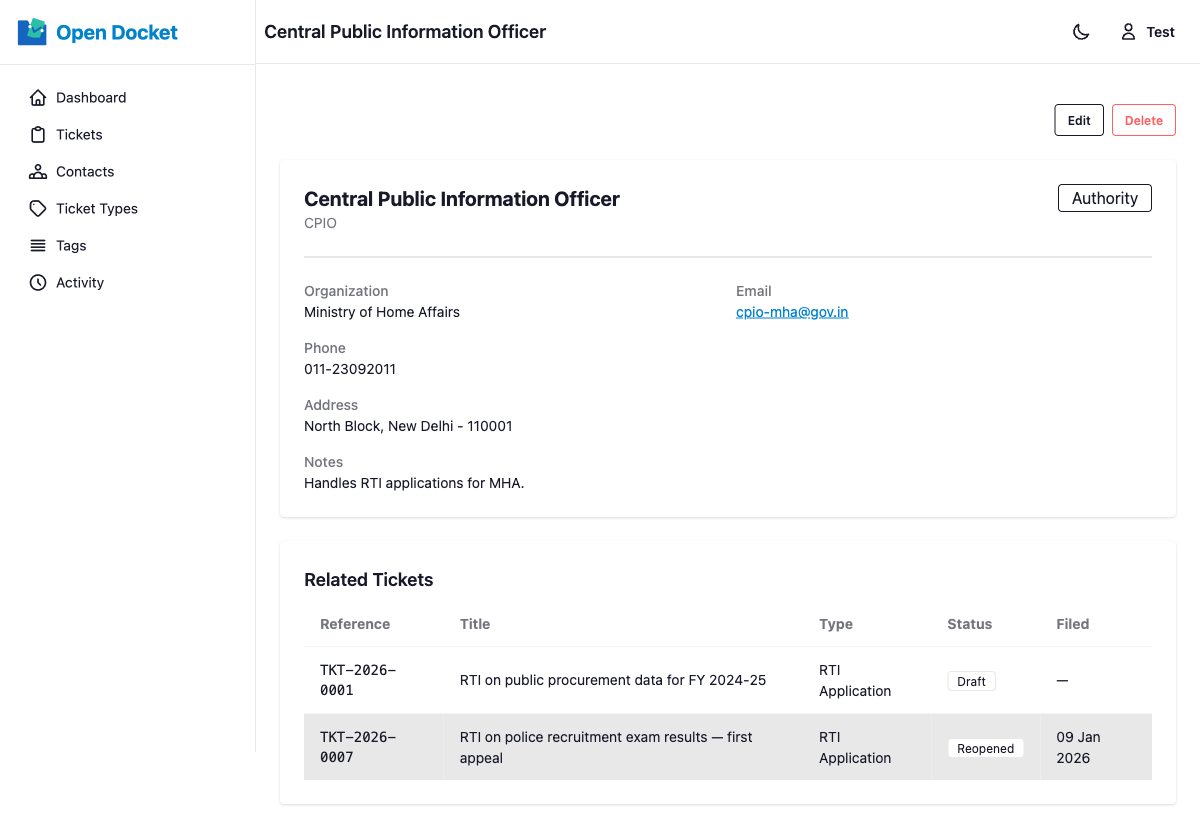
On any contact's detail page, you can see a paginated list of all tickets that have been filed with that contact. Each entry links directly to the ticket.
Deleting a Contact
Contacts are soft deleted. When a contact is deleted:
- They no longer appear in the contacts list or the contact selector on ticket forms.
- Existing tickets that reference the contact still show the contact's name and details (the link is preserved).